Years 9 – 13
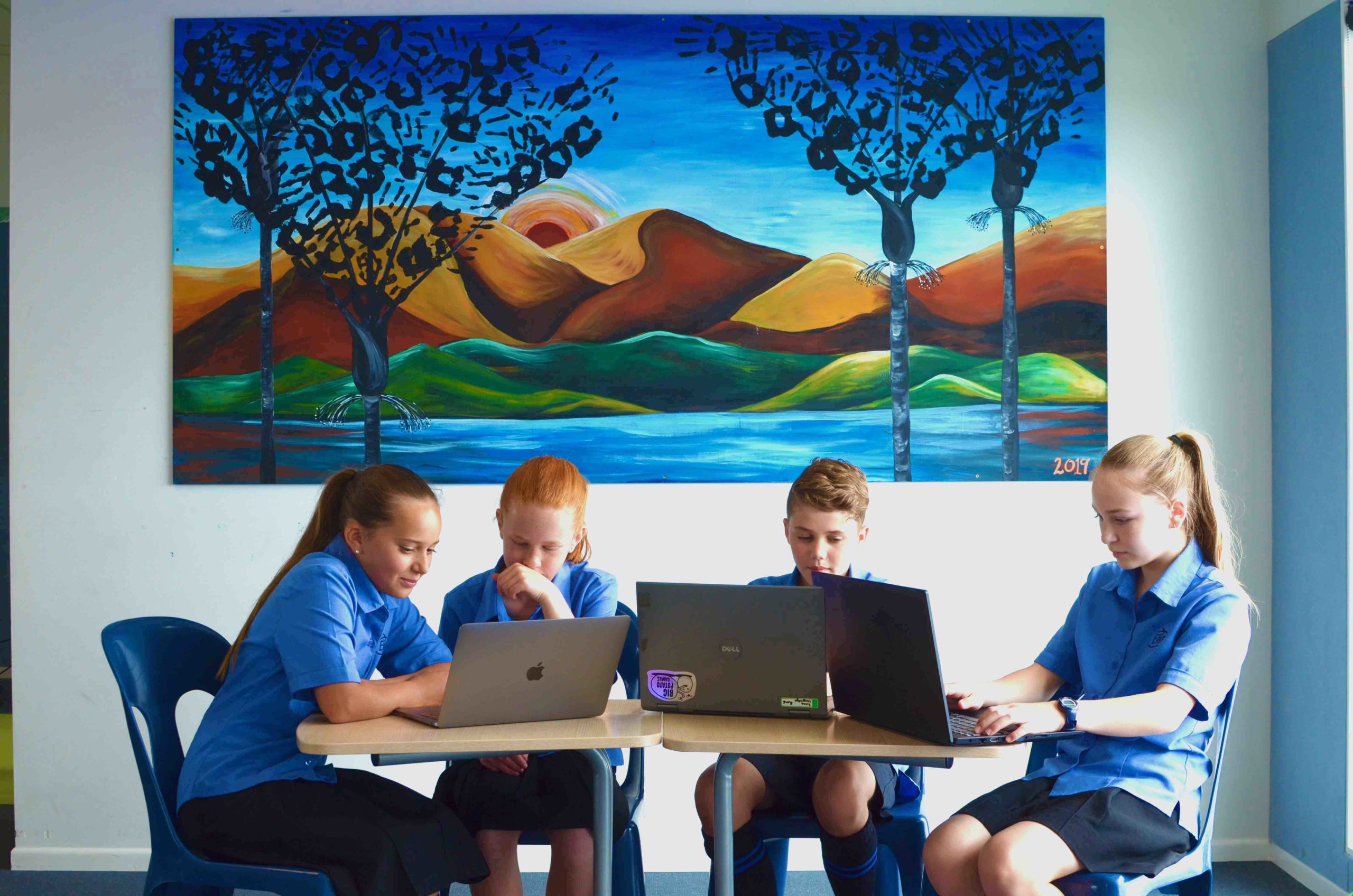
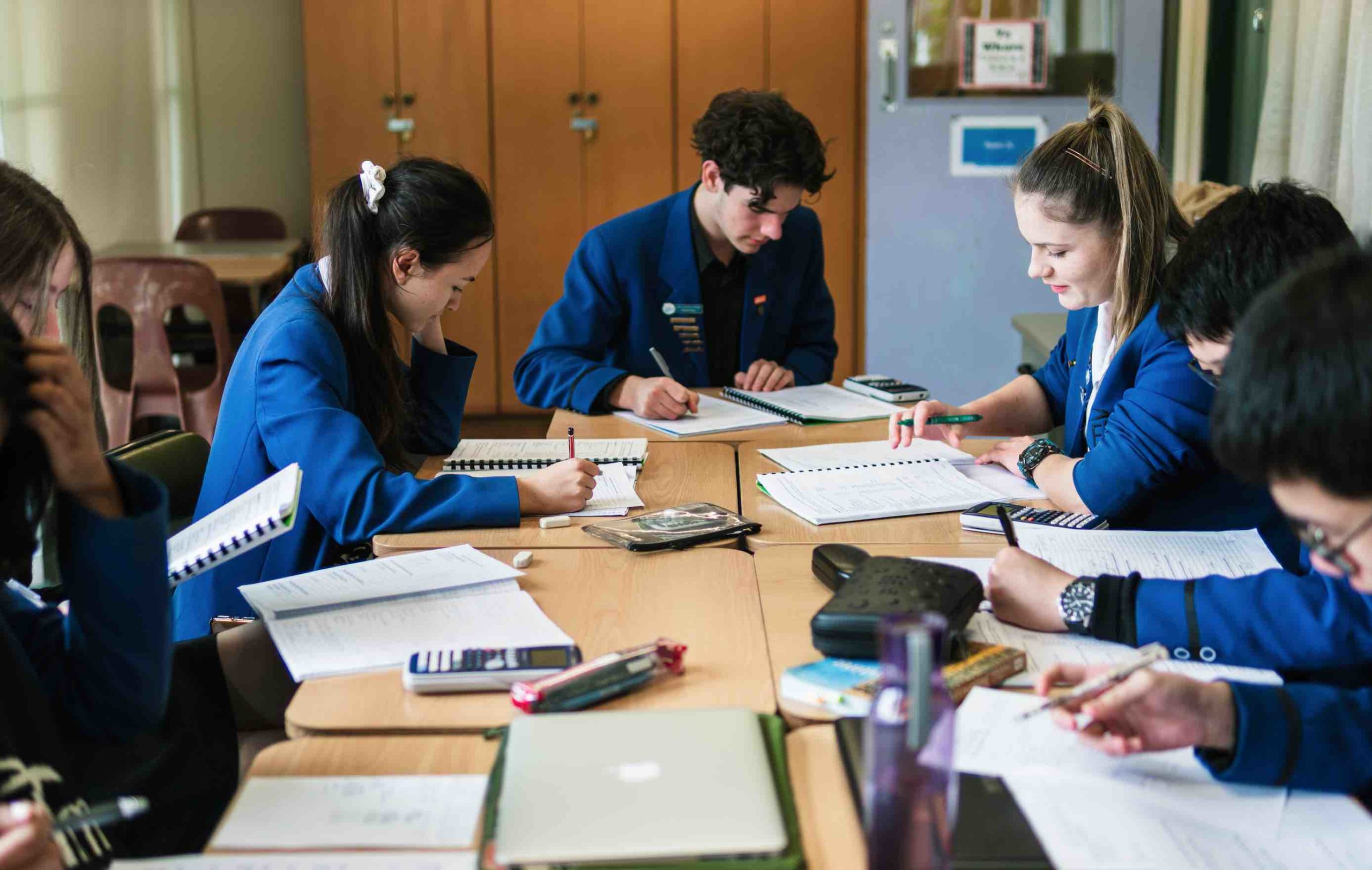
At this stage in schooling, there are far more opportunities for technology and devices to give students access to learning experiences that they could not get otherwise. It is also at this stage that we prepare students for the effective and safe use of devices to support their learning. At this point we ask parents to provide a device for their son or daughter for use at school. In Year 9 and 10 a Chromebook is suitable, but in the senior years most students find a laptop more useful for managing and supporting the range of optional subjects that are available.
NZQA is steadily increasing the number of NCEA external exams offered exclusively online. To prepare for these exams and for everyday learning, students must ensure they have a suitable Chromebook or laptop. As a student at Elim Christian College, your son or daughter will receive a Google email address that is part of our school domain and will have access to the Google suite of learning tools. A small number of subjects may also use other software such as Windows Office Suite or Adobe products.
What device is best?
As a school, we are not the experts in selecting a device and we encourage families to speak with technology providers to discuss their needs. We note the following important features of any device that past experience has shown us will make learning better for your son or daughter:
- Battery life of 8-10 hours from one charge
- An operating system that has the appropriate wireless connectivity. Most students find ChromeOS links best with our school systems.
- A reasonable screen size
- Wireless Connectivity using 802.11n (or higher)
- Sufficient processing speeds for modern learning environments, including sufficient RAM.
- A protective casing and firewall/antivirus software is highly recommended for all devices
Some important notes
- As per legislation, we do not support or allow the use of mobile phones anywhere on school grounds during the school day. PHONES AWAY FOR THE SCHOOL DAY.
- Students using mobile phones during school hours without express permission of a teacher will have them confiscated. For repeat offenders, these will only be returned to a caregiver or parent on site.
- Student devices must not have mobile data access or VPN software installed.
- N4L provides free internet filtering for home use. See switchonsafety.co.nz for more information.
Management and maintenance
While staff can assist students with the management and troubleshooting of devices during the school day, the maintenance of devices is the sole responsibility of the student and their parents or caregivers. Students are required to have a protective case, and their device must be clearly labelled. A key homework responsibility is for students to develop the habit of bringing a fully charged device to school each day.
A note on Artificial Intelligence (AI) tools
AI is a powerful tool for learning, but it must never compromise academic integrity or replace the student’s own intellectual effort and personal formation. All work submitted for assessment must be authentic — a true reflection of the student’s personal knowledge and skills.
At Elim, we operate within a Google Workspace. This means that we can best ensure safety and reliability by restricting AI tool use to Gemini. Only Gemini is to be used, and it should be accessed only through school login credentials. Our goal is to teach students how to be critical and ethical users of AI. AI tools are a sophisticated digital resource, not an authority. Care must be exercised in their use.
More questions?
Parents are encouraged to contact their child’s Deputy Principal if they have any queries about the BYOD programme:
Golflands Campus Middle Years (Y9): Mr Michael McKenzie – michael.mckenzie@elim.school.nz
Botany Campus Senior Years (Y10-13): Mr Tody Granat – tody.granat@elim.school.nz